If no aspect ratio is selected, the output will match the aspect ratio of your input image
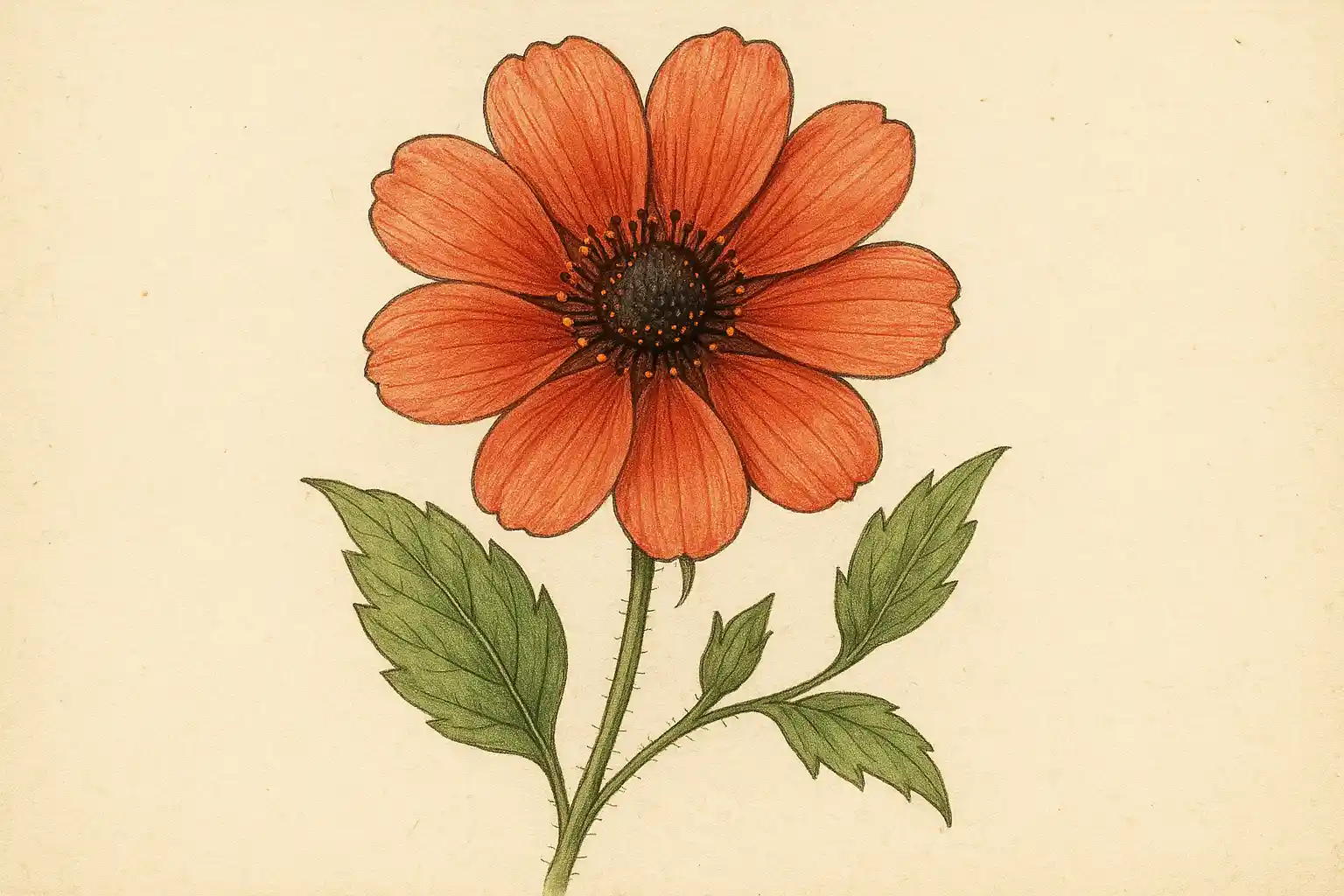
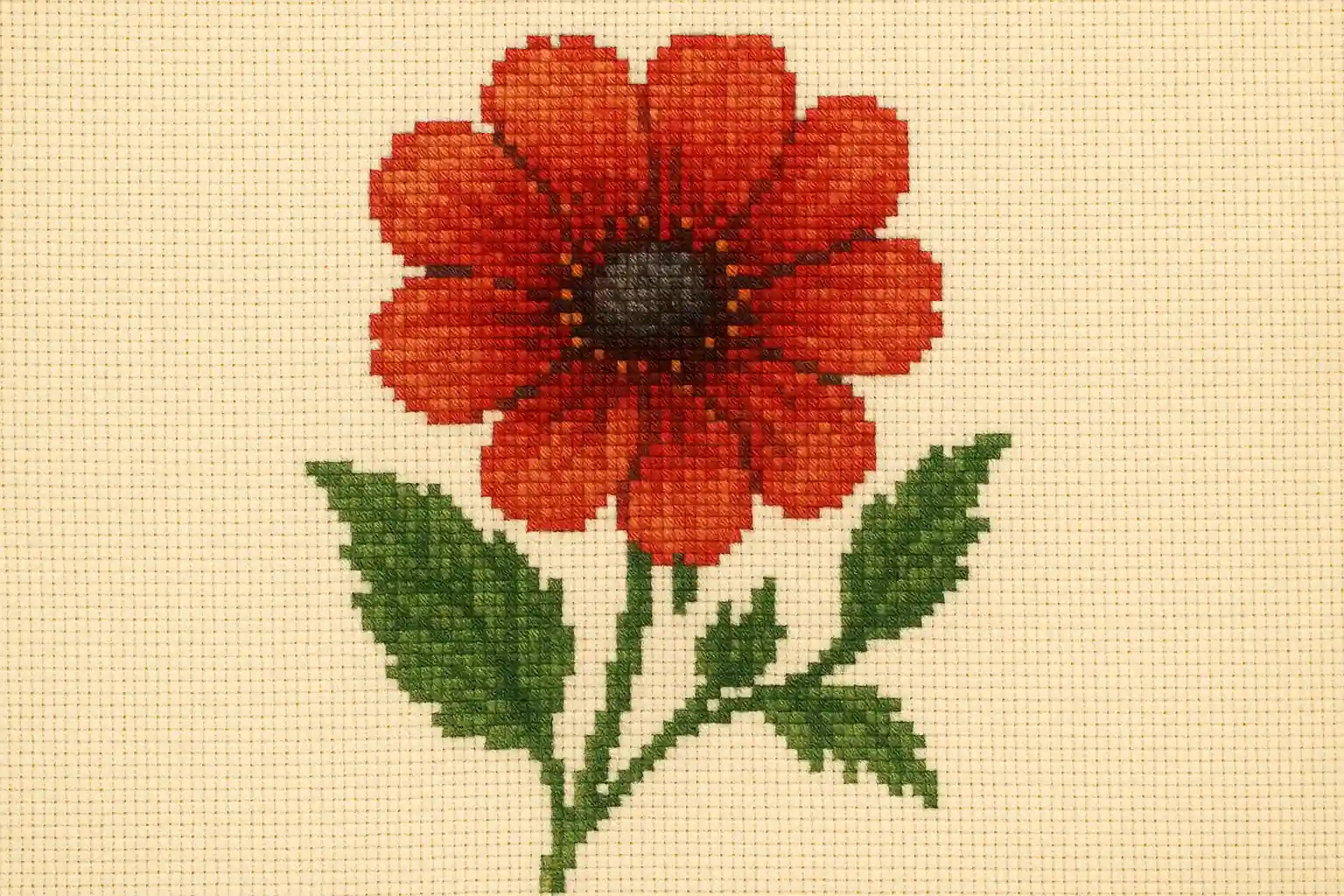
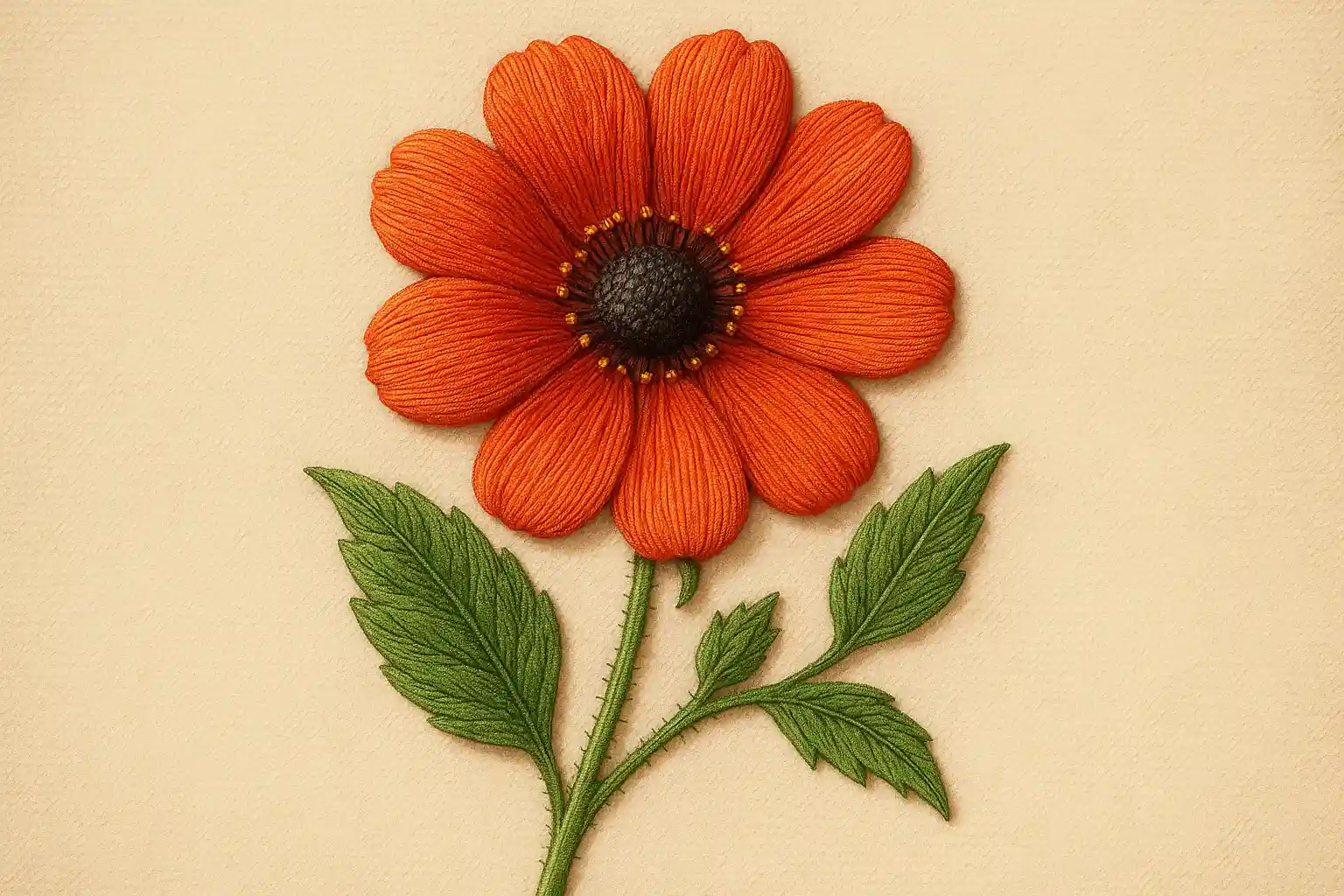
Go to the Anygen AI website and open the AI embroidery generator tool. It works fully online, so you can start creating embroidery effects instantly without login or downloads.
Type a short prompt with your idea, such as “floral logo in satin stitch”, or upload a photo or logo. Anygen AI embroidery design generator will transform your input into a realistic stitched design.
Click “Generate” to create your embroidery design in seconds. Preview the result, make quick edits if needed, and download the high-resolution file. Anygen AI makes it simple to use a free embroidery effect generator and save professional embroidery designs for projects or mockups.
With Anygen AI’s text to embroidery AI, you can type any word, phrase, or slogan and instantly transform it into a stitched-style design. For those working with visuals, upload a logo, drawing, or photo and convert it into a realistic embroidery effect with just one click.
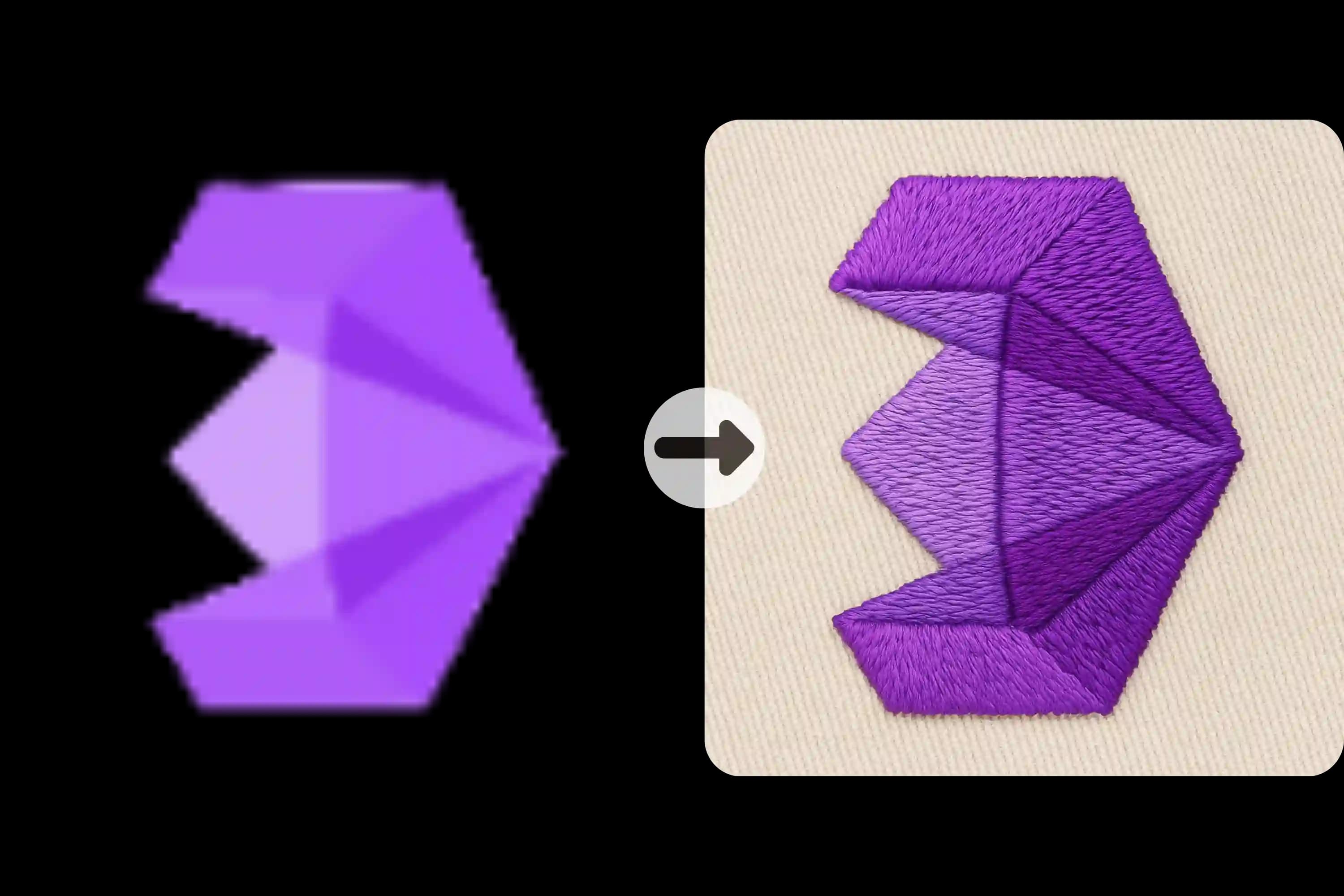
With Anygen AI, you can define the stitch style directly in your prompt. Create embroidery effects such as cross stitch, satin stitch, 3D raised embroidery, applique, or hand-stitched textures simply by describing them. Anygen AI embroidery generator applies the chosen style instantly based on your text input. You can also explore tools like <a href="https://Anygen.ai/features/2d-to-3d-image-converter">2D to 3D Image Converter</a> to expand your creative workflow.
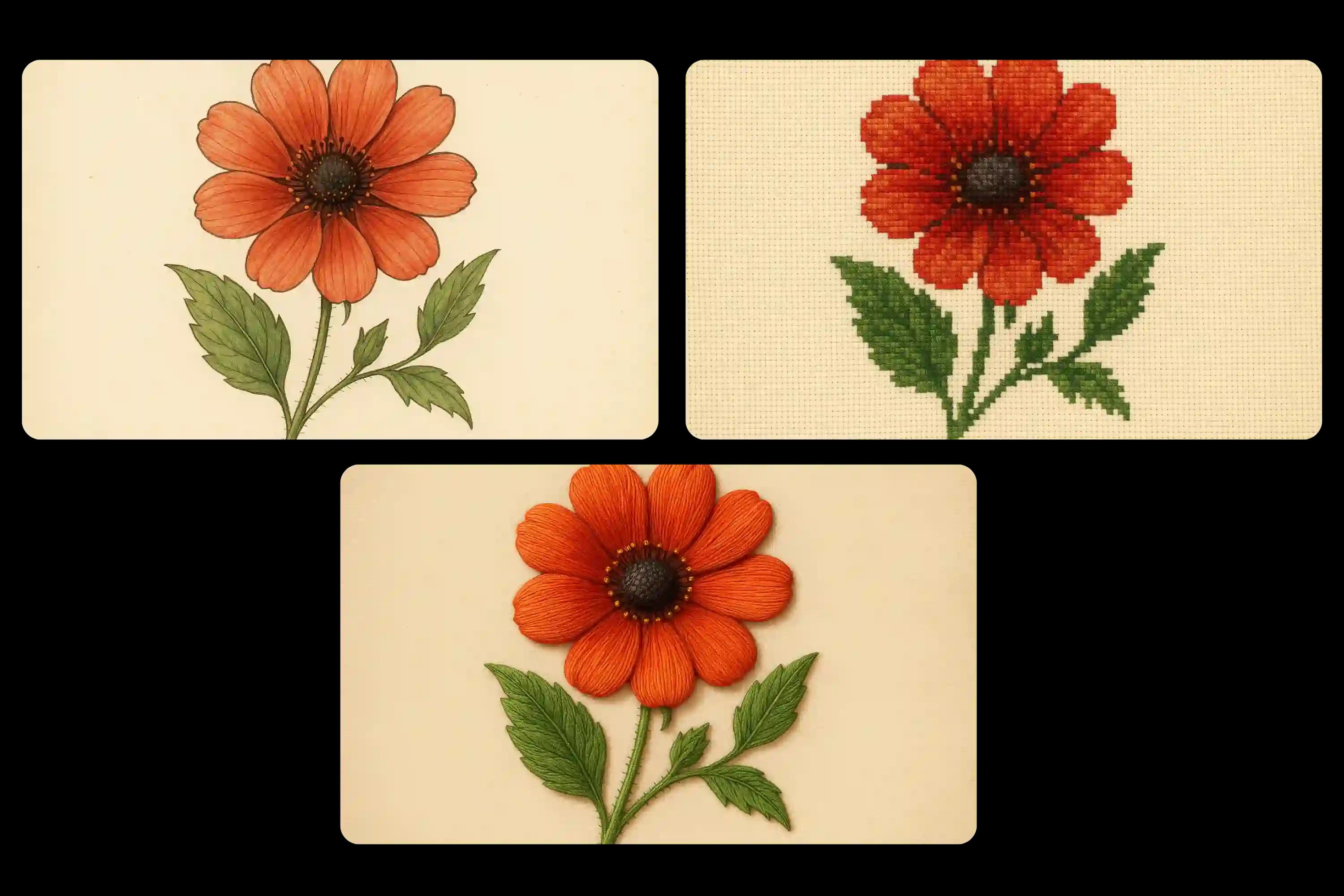
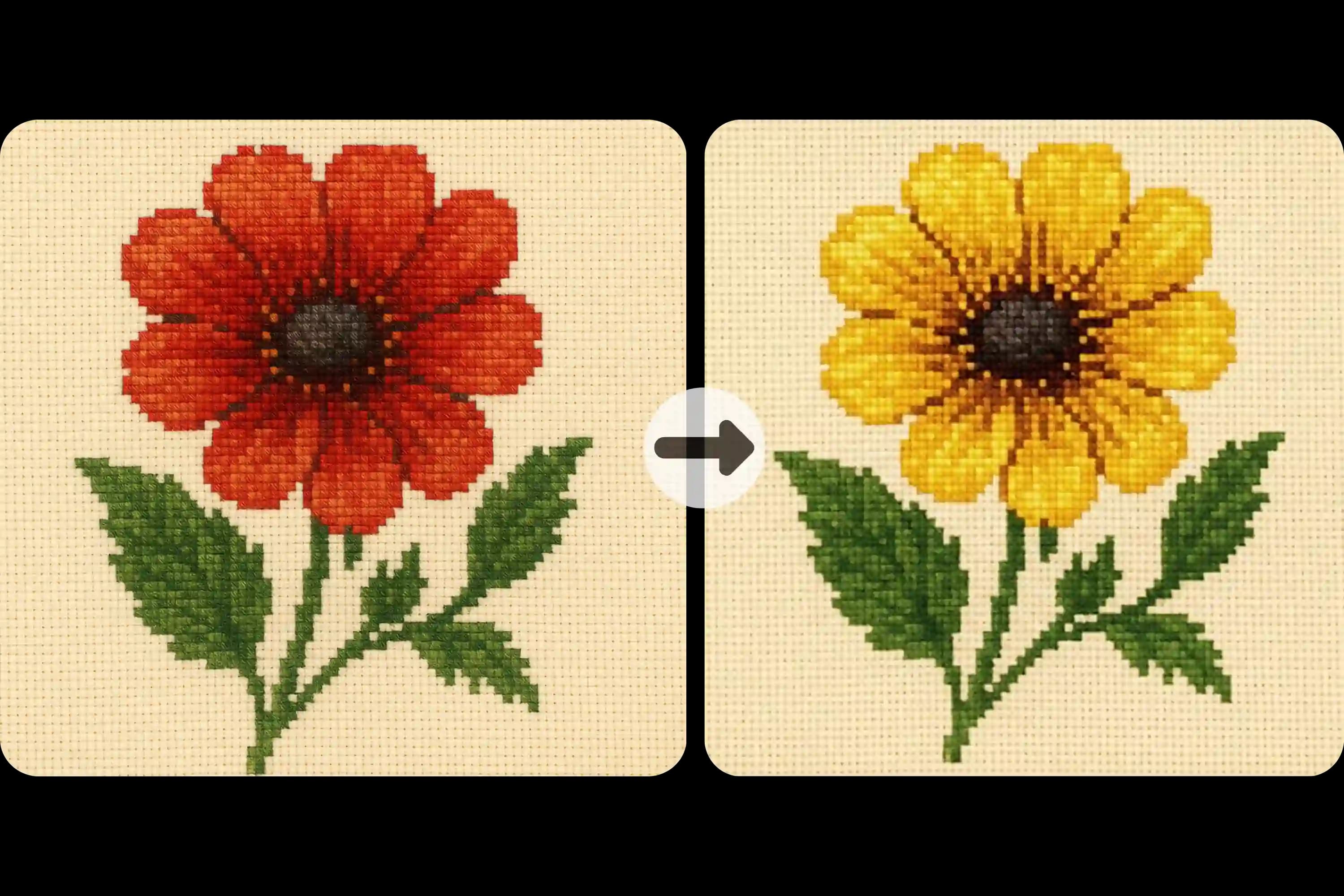
Adjust thread colors, stitch density, and lighting to refine your embroidery effect. Anygen AI embroidery design maker lets you quickly test variations until the design fits your needs.
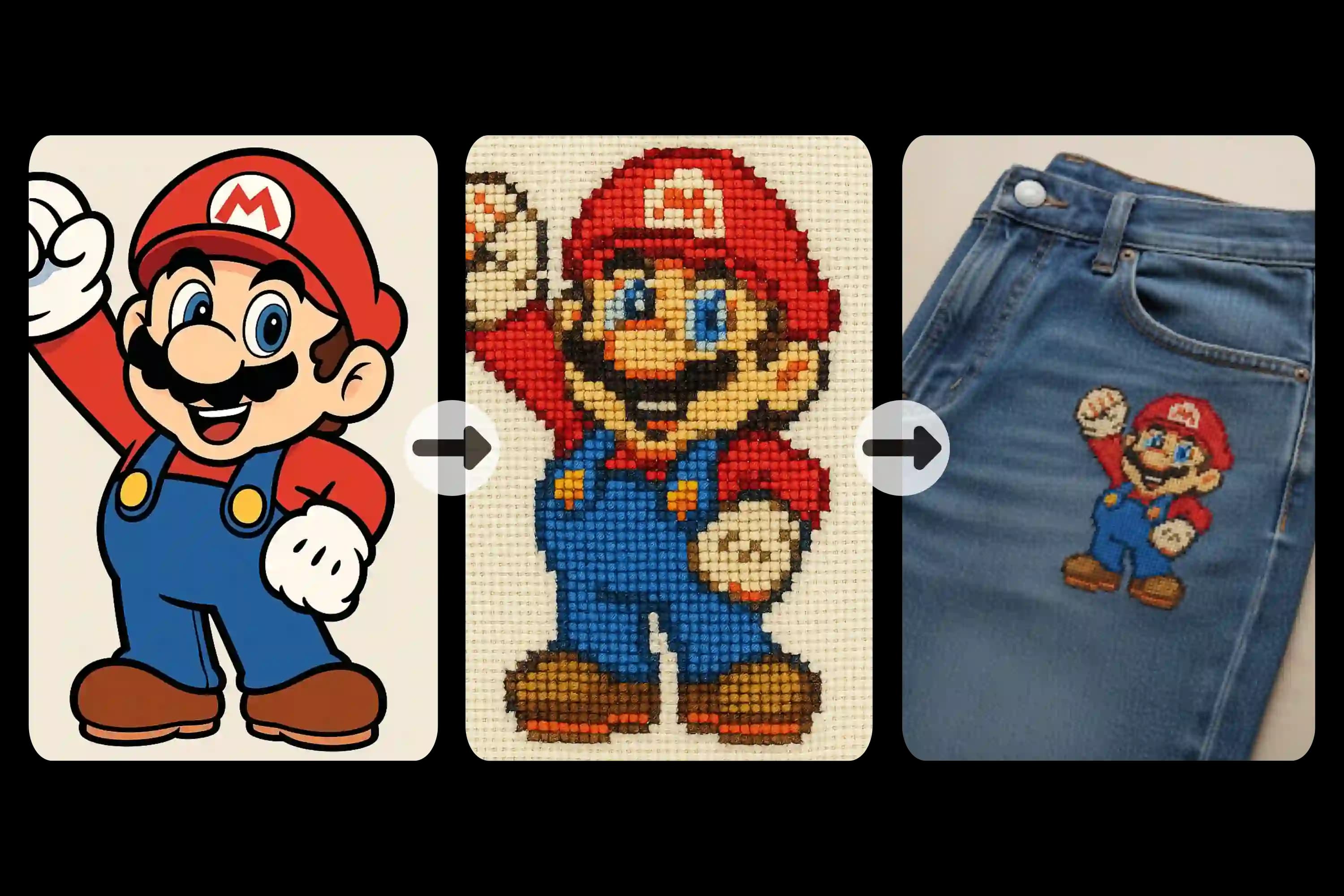
Showcase your embroidery designs on real products with Anygen AI’s one-click mockup feature. Place your embroidery effect onto T-shirts, hats, tote bags, or patches and see how it looks in a real-world setting.
Yes. Anygen AI offers a free embroidery effect generator that works directly in your browser. You can create and download embroidery-style visuals without login or payment.
Yes. By typing a description such as “butterfly embroidery with gold thread” or “geometric pattern in cross stitch”, Anygen AI will generate an embroidery-style design that matches your prompt.
Yes. By typing a description such as “butterfly embroidery with gold thread” or “geometric pattern in cross stitch”, Anygen AI’s text to embroidery AI will generate an embroidery-style design that matches your prompt. It creates stitched visuals from your description, not just embroidery fonts.
Anygen AI does not currently export DST or PES files. It works as an embroidery design maker online for visual previews, and we will add embroidery machine file support in upcoming updates.
No. Anygen AI is an AI embroidery generator designed for everyone. Just enter a prompt or upload an image, and it creates embroidery-style effects automatically—no design background required.