If no aspect ratio is selected, the output will match the aspect ratio of your input image
Choose the image you want to expand. Anygen AI supports common formats like JPG and PNG.
Choose a preset aspect ratio like 1:1 or 16:9, or enter a custom size. You can also add a short prompt to guide the AI uncrop image process.
Click Generate to expand your photo. Preview the before/after result, regenerate if needed, and download the final uncropped image in high quality.
Uncrop AI lets you expand photos seamlessly to the top, bottom, left, or right. Whether you need a wider frame or a taller canvas, Anygen AI adjusts the image naturally.
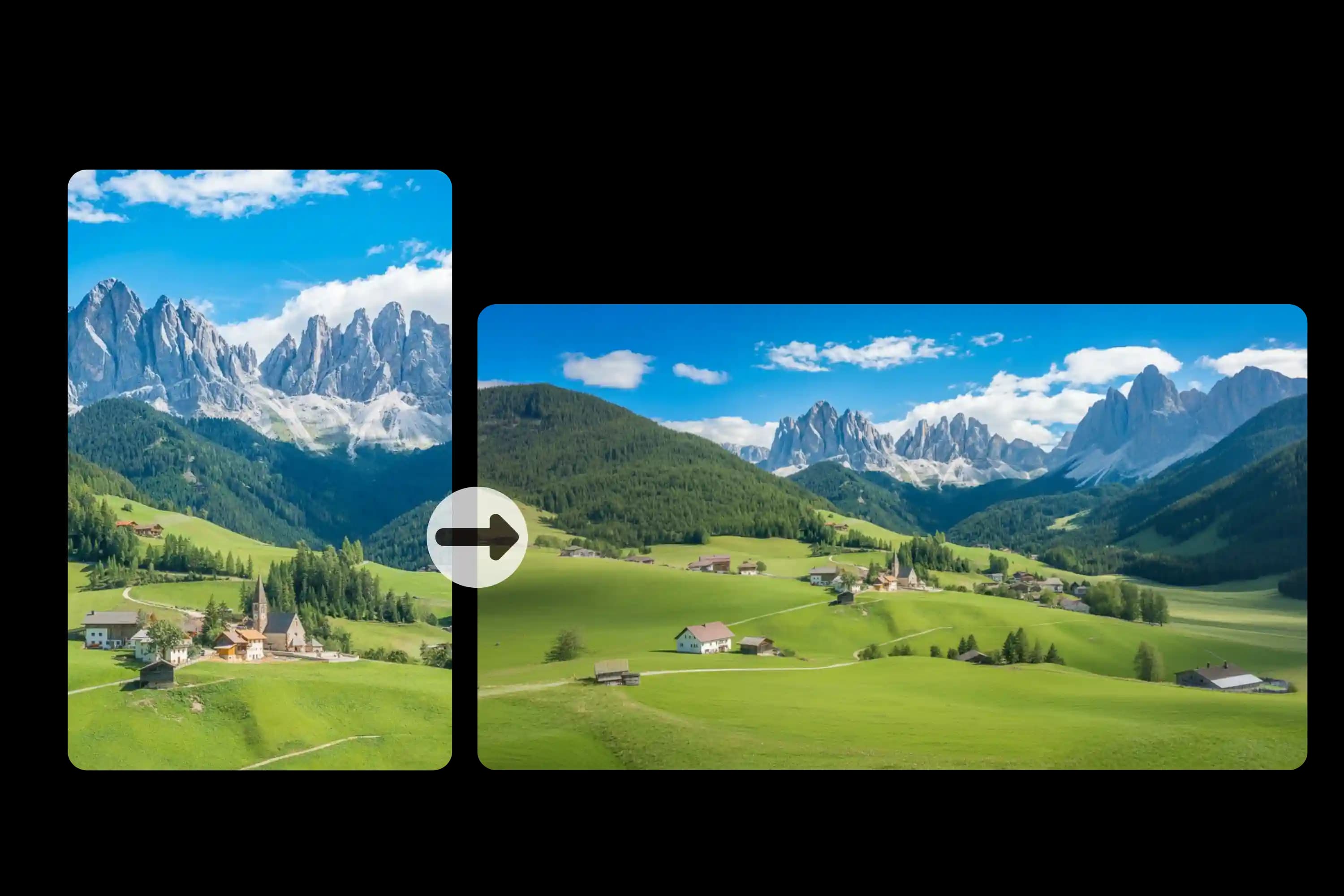
Anygen AI Uncrop analyzes colors, lighting, and textures to extend photos seamlessly. Every AI uncrop image stays true to the original style, making the expanded background look smooth and natural. You can also use our <a href="https://Anygen.ai/features/ai-facial-expression-changer">AI Facial Expression Changer</a> to change facial expressions free online.
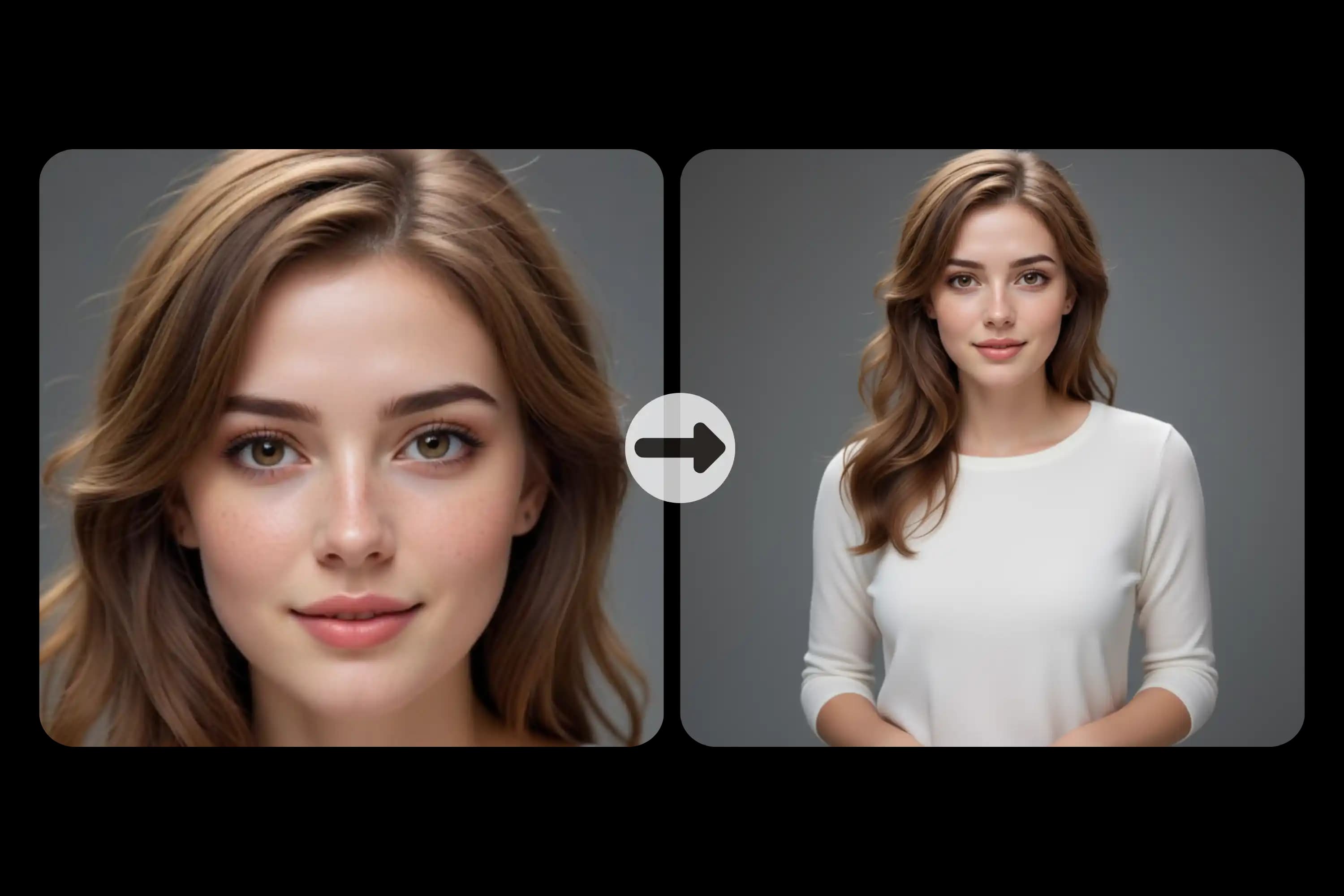
Anygen AI preserves faces, people, and objects during the uncrop process. The AI only extends what’s around them, ensuring the subject remains untouched and authentic.
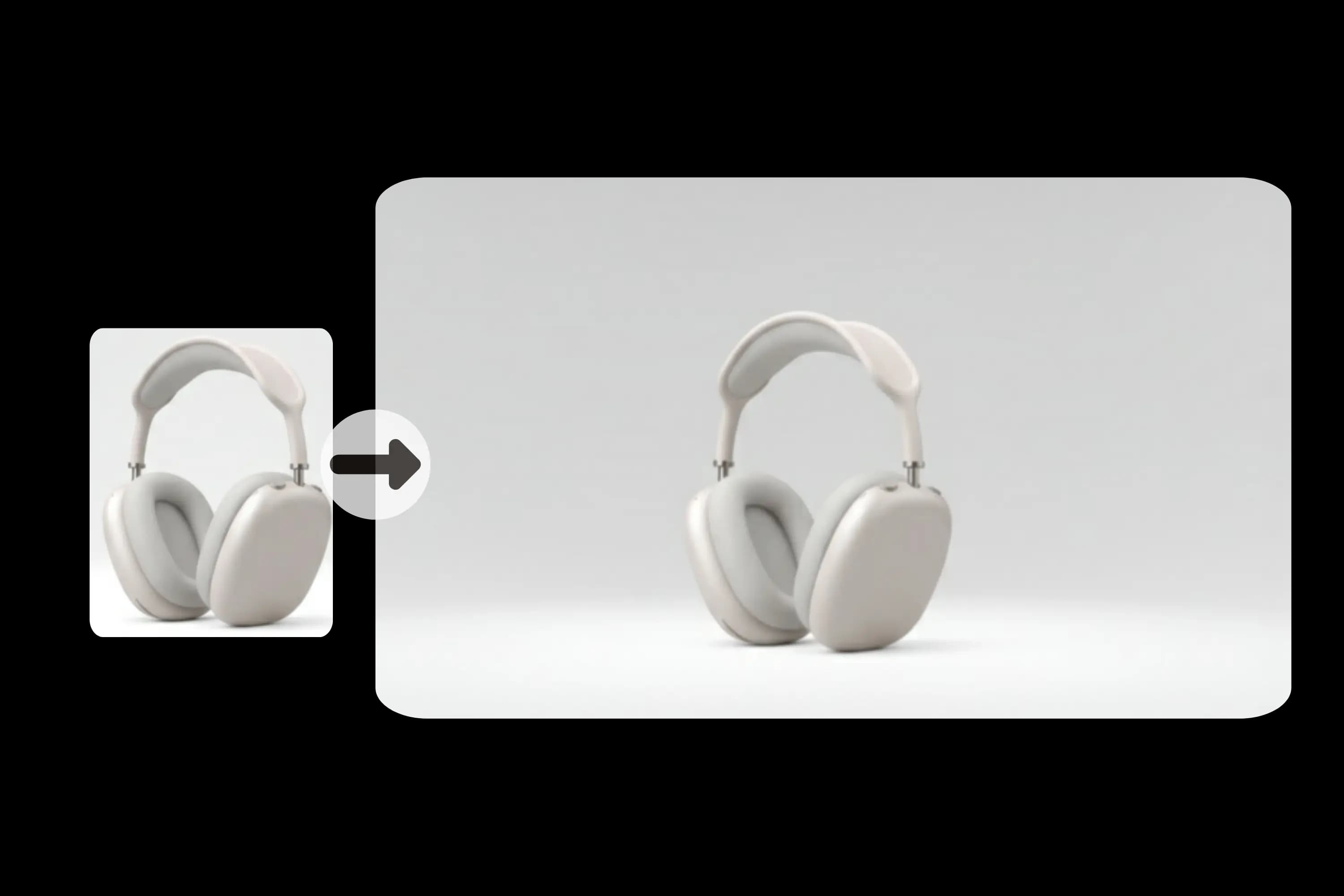
Generate sharp and detailed results in high definition. Perfect for professional product images, portraits, social media posts, and large-scale prints.
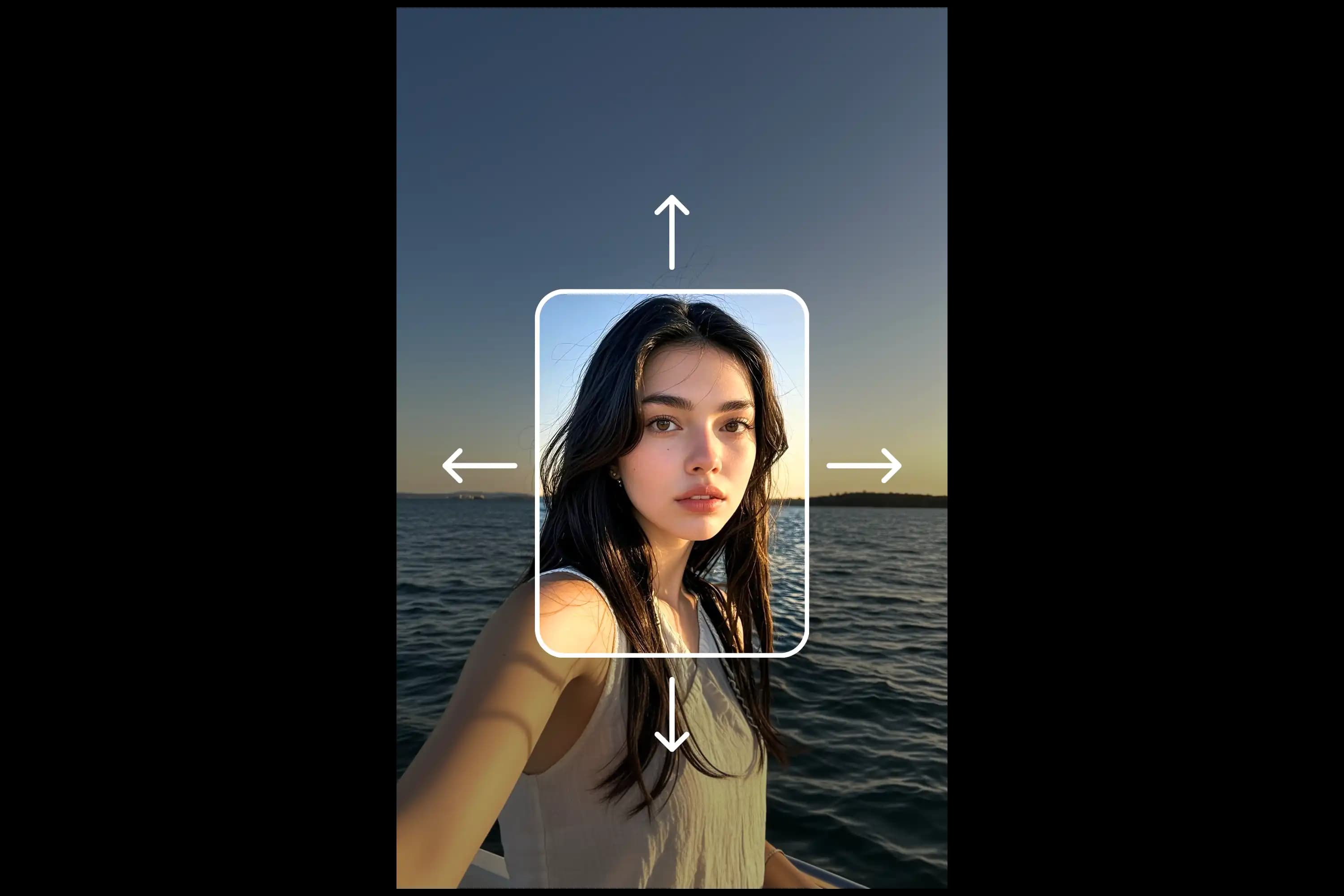
Test uncrop AI online for free. Preview before/after results, then regenerate variations until you’re satisfied—all directly in your browser.
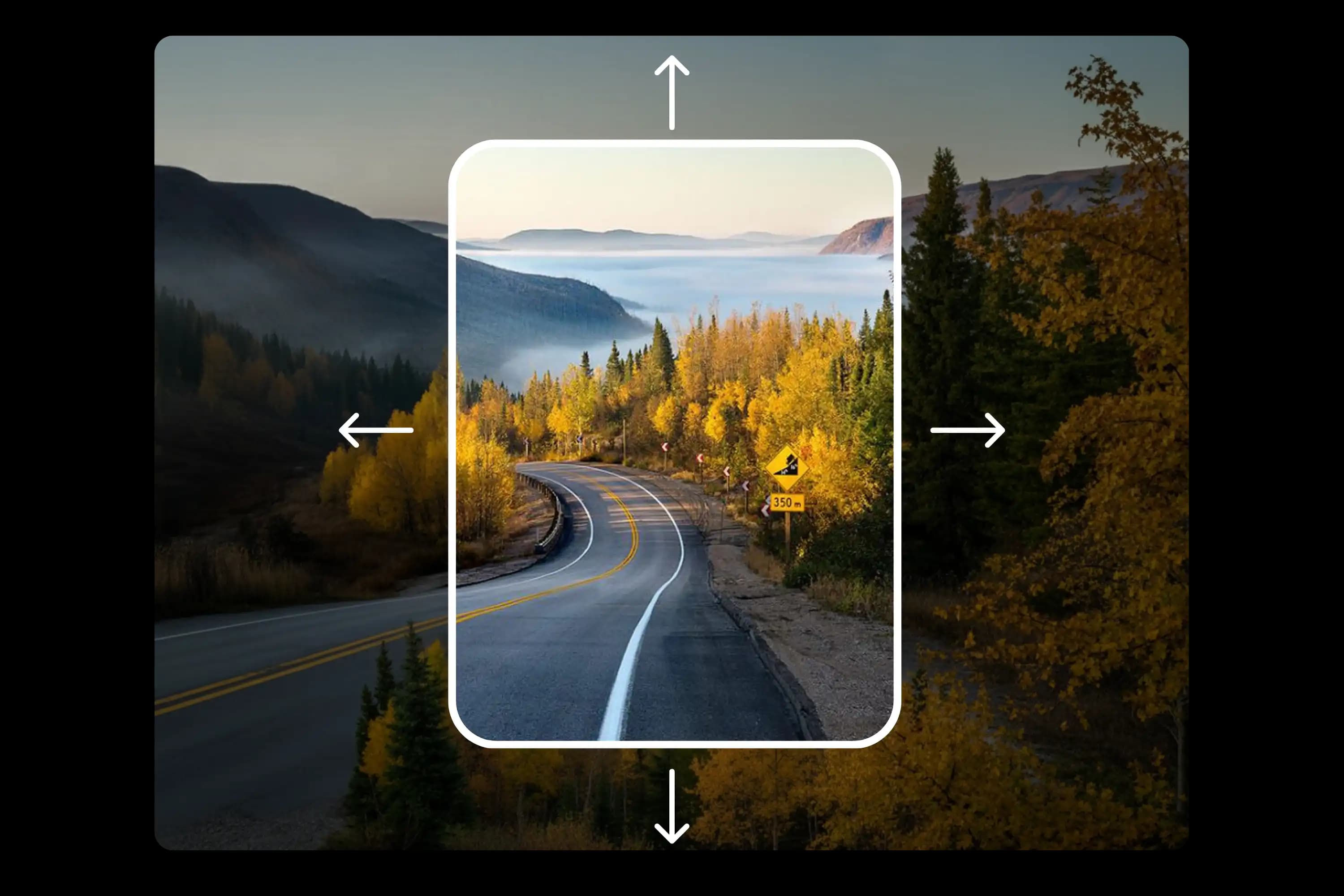
Yes. Anygen AI offers an AI uncrop image free option that lets you expand photos directly in your browser without payment or downloads. You can test the tool online anytime.
Absolutely. The Anygen AI uncrop photo tool protects faces and main subjects while expanding the background. This ensures portraits look natural without distortion.
Resizing only changes the dimensions of an image, and cropping cuts parts out. AI uncrop image tools, on the other hand, generate new content to extend the canvas—keeping the subject intact while adding more space around it.
Anygen AI supports common formats such as JPG and PNG. Simply upload your photo, choose a canvas ratio, and let the AI extend image to the size you want.
No professional skills are required. Anygen AI is designed for everyone—just upload a photo, select your canvas, and generate a high-quality uncropped image in seconds.
AI uncrop image free tools are perfect for fixing tight crops, extending backgrounds for product shots, creating social media banners, or preparing photos for print and design projects.
Simply visit Anygen AI, upload your photo, choose the canvas size or aspect ratio, and click Generate. The AI will expand the image naturally, and you can preview and download the uncropped photo instantly.