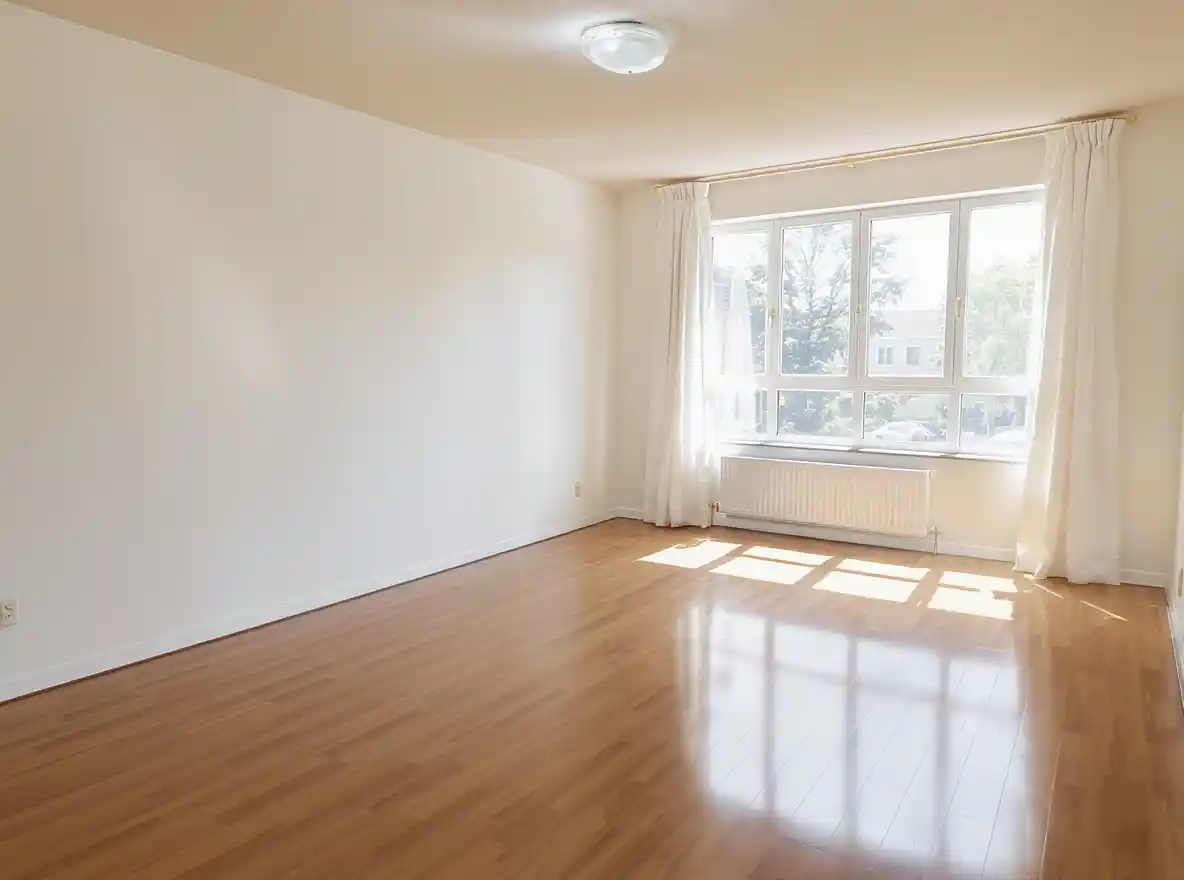
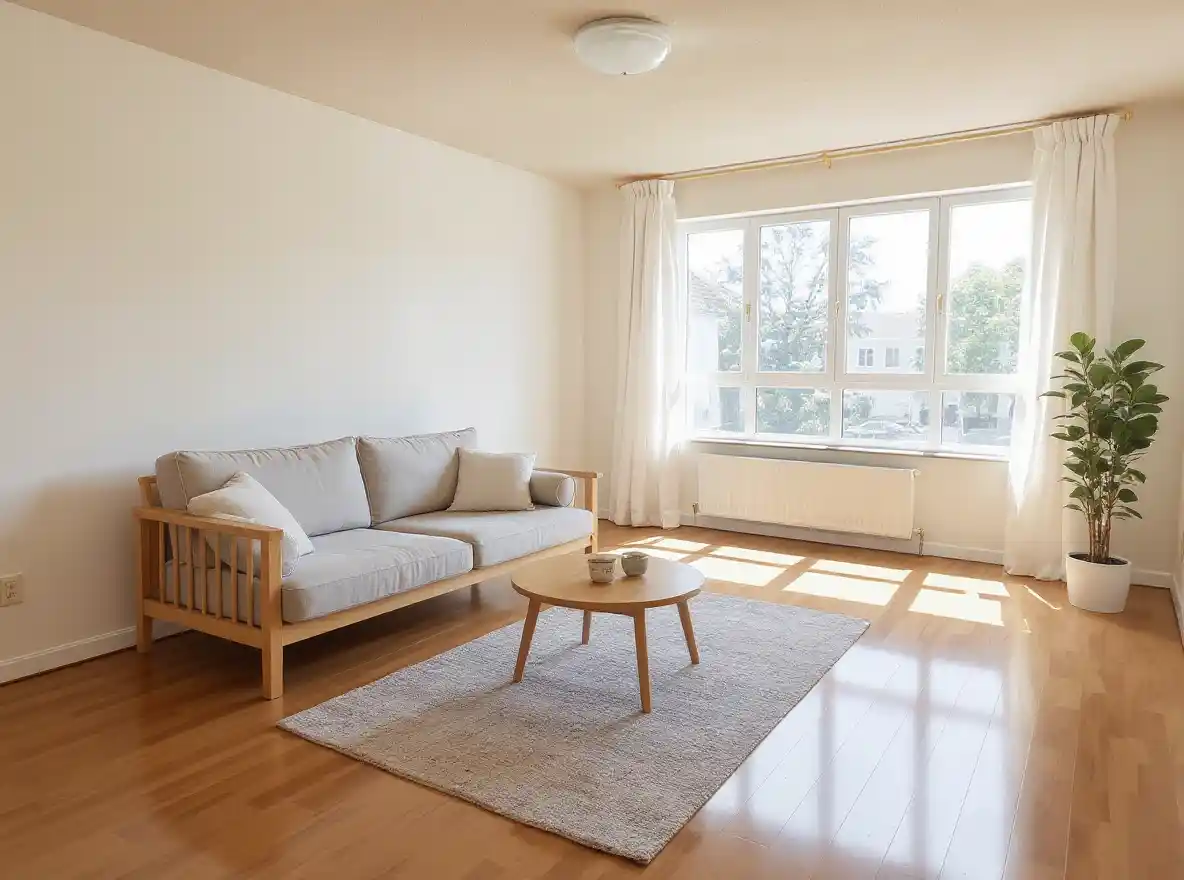
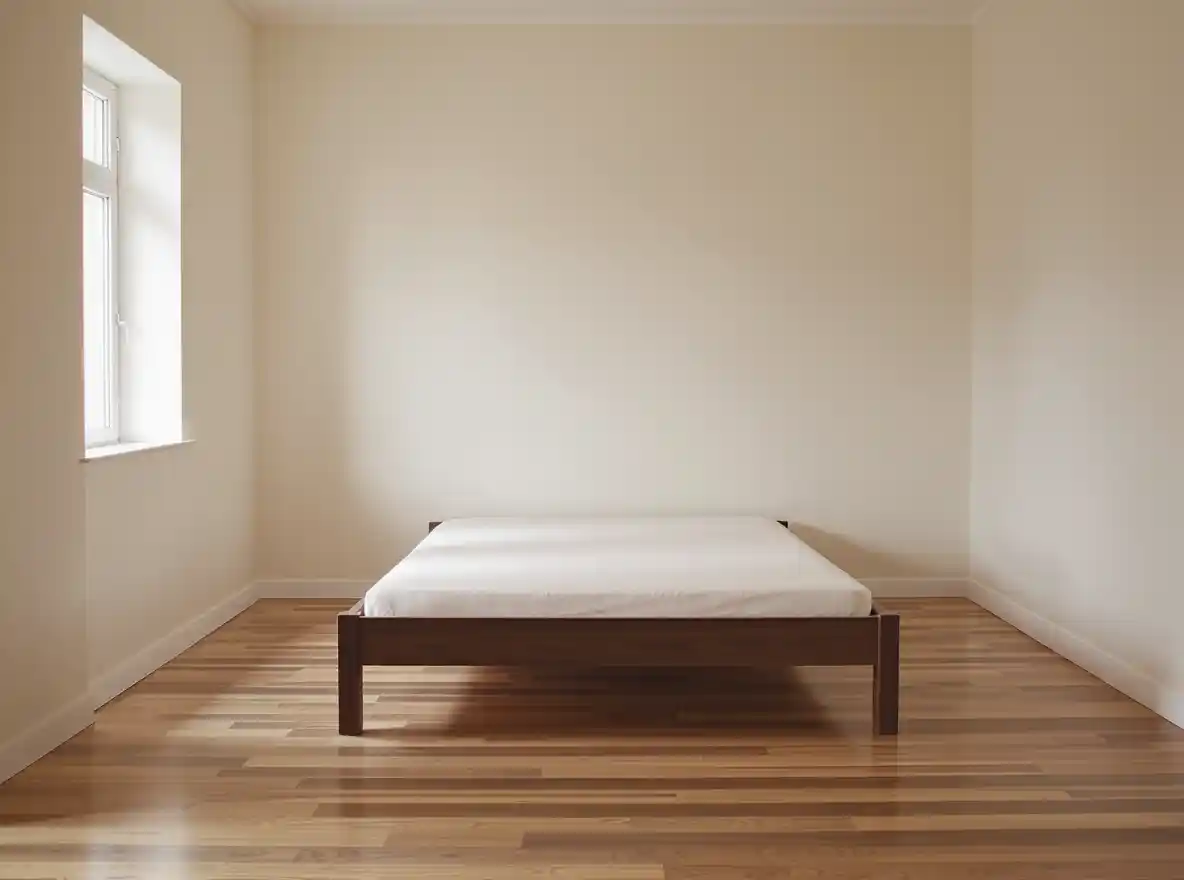
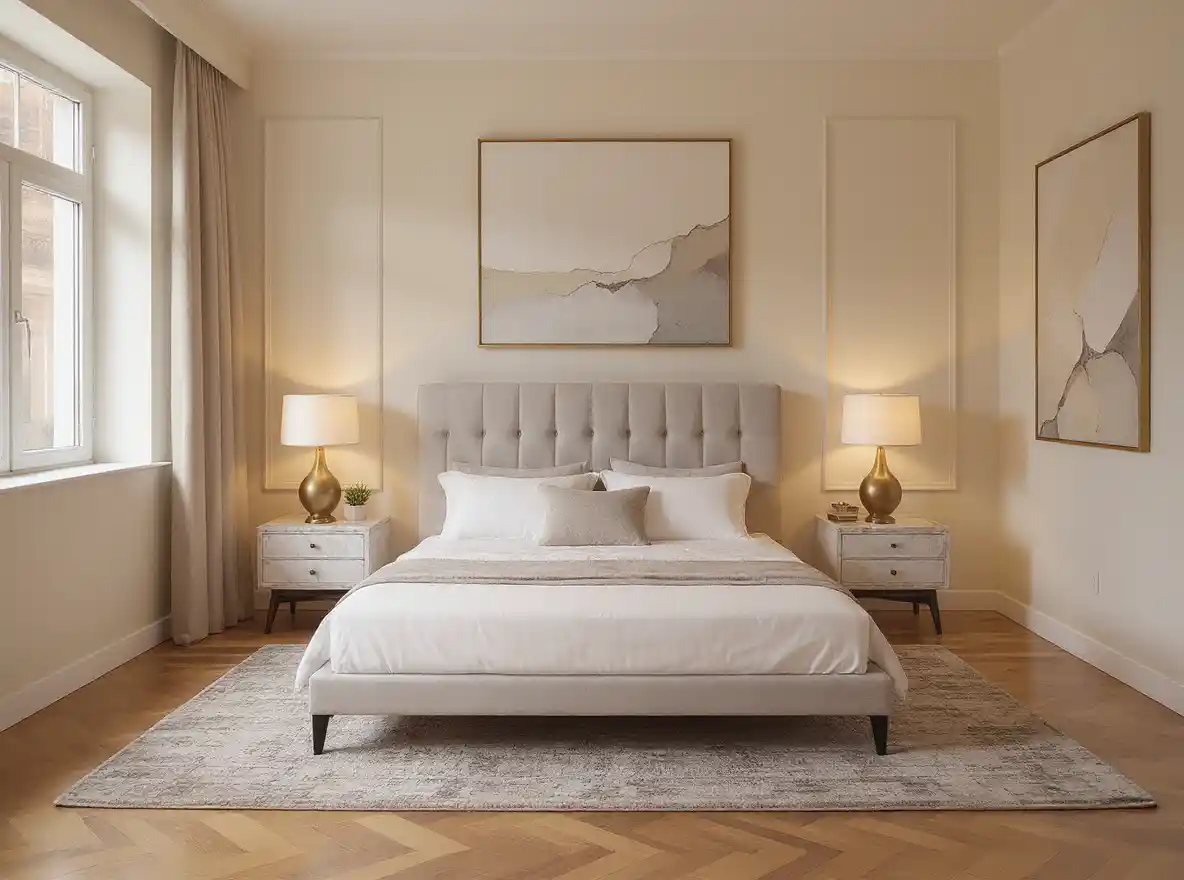
If no aspect ratio is selected, the output will match the aspect ratio of your input image
Start by selecting the Anygen AI virtual staging ai tool. This is your workspace where you can decorate a room using advanced interior design ai features.
Type in a short prompt describing your desired style, or upload a photo of your empty or cluttered room. The ai room planner instantly understands your input and prepares the layout for decoration.
Click to generate your ai virtual staging. Within seconds, Anygen AI creates a photorealistic room design. Review the results, iterate if needed, and download the final image to use in real estate listings, presentations, or personal projects.
With Anygen AI’s virtual staging ai, you only need to upload a photo of your room. The AI room planner instantly detects walls, floors, and windows, creating a clean and accurate canvas for staging. This feature saves time and ensures every interior design ai project starts with the right proportions and structure.
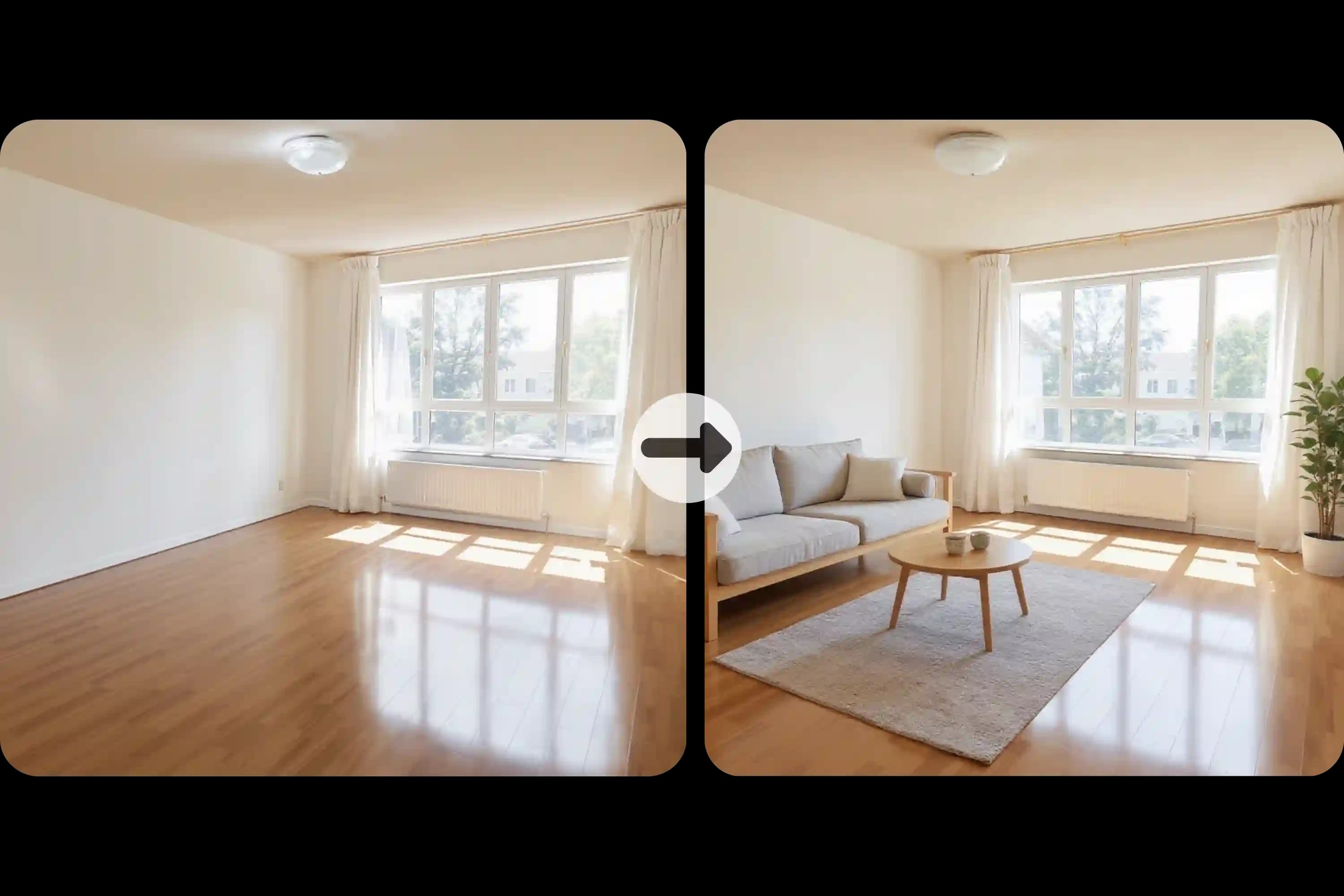
Anygen AI virtual staging ai adds realistic furniture, lighting, and décor elements to any empty space. You can describe the look you want or use sample images to guide the design. Within seconds, the ai virtual staging tool creates a photorealistic version of your room, ready for use in real estate listings or personal projects.
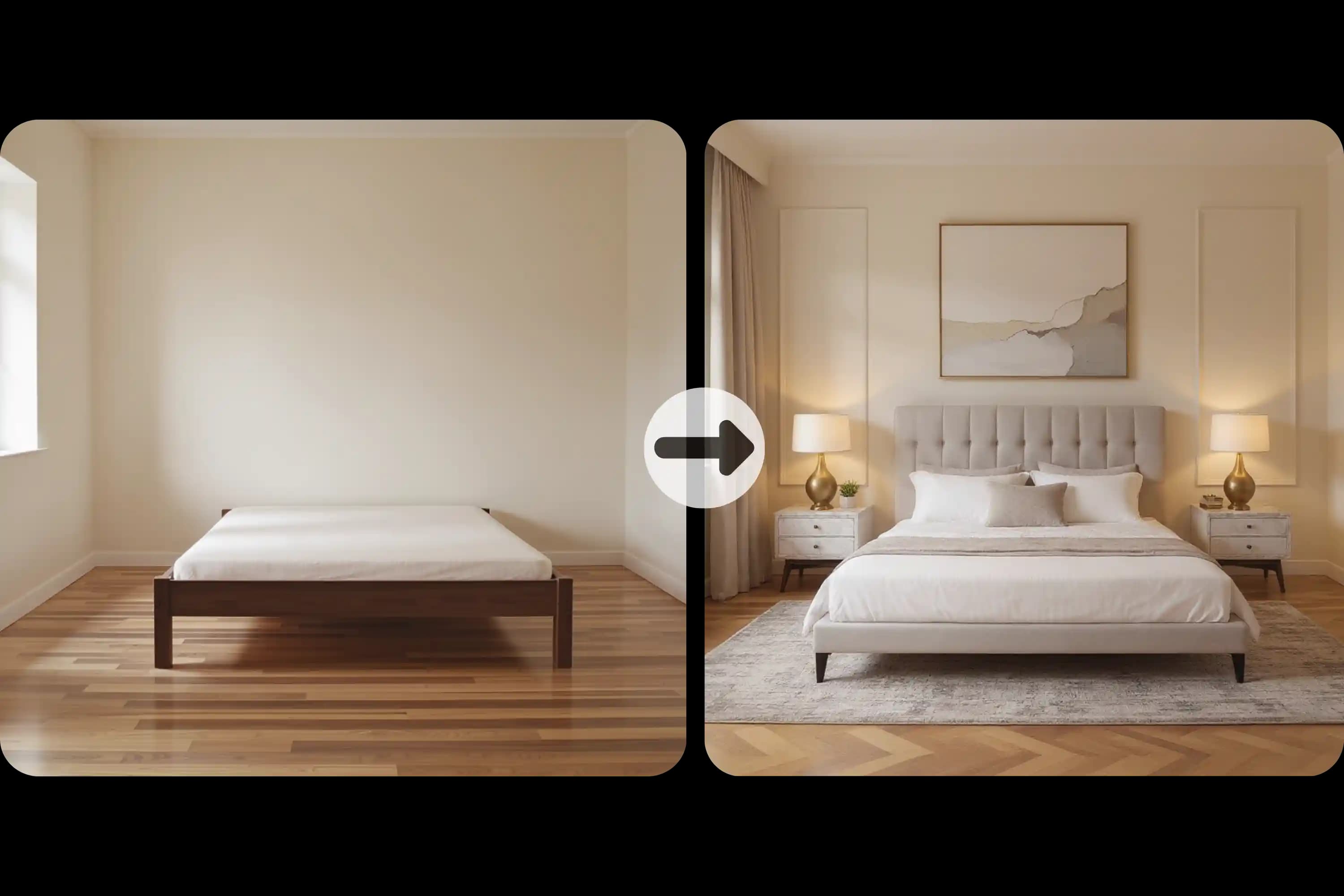
Transform your space with a variety of interior design ai styles. Anygen AI supports modern, minimalist, Scandinavian, luxury, and more. Each style looks natural and professionally staged, helping you compare ideas and find the perfect fit. Whether you need an ai room design free option or advanced customization, this feature makes exploration simple.
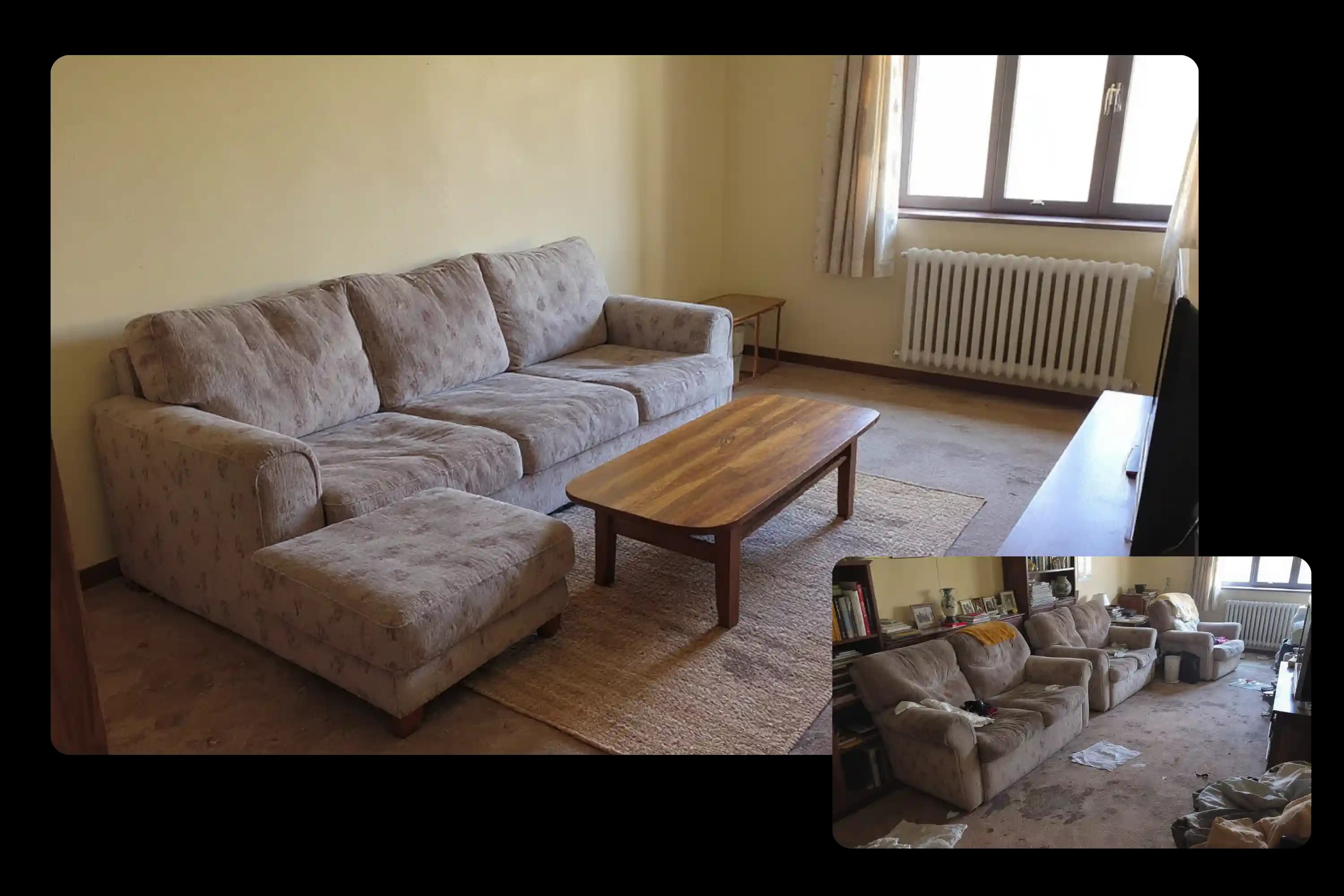
Old furniture or cluttered spaces can be distracting. Anygen AI’s <a href="https://Anygen.ai/features/remove-furniture-from-photo">remove furniture from photo</a> feature makes it easy to clear unwanted items and gives you a blank canvas to stage from scratch. This ai room design free option lets you refresh property photos or test new design concepts without hiring professionals.
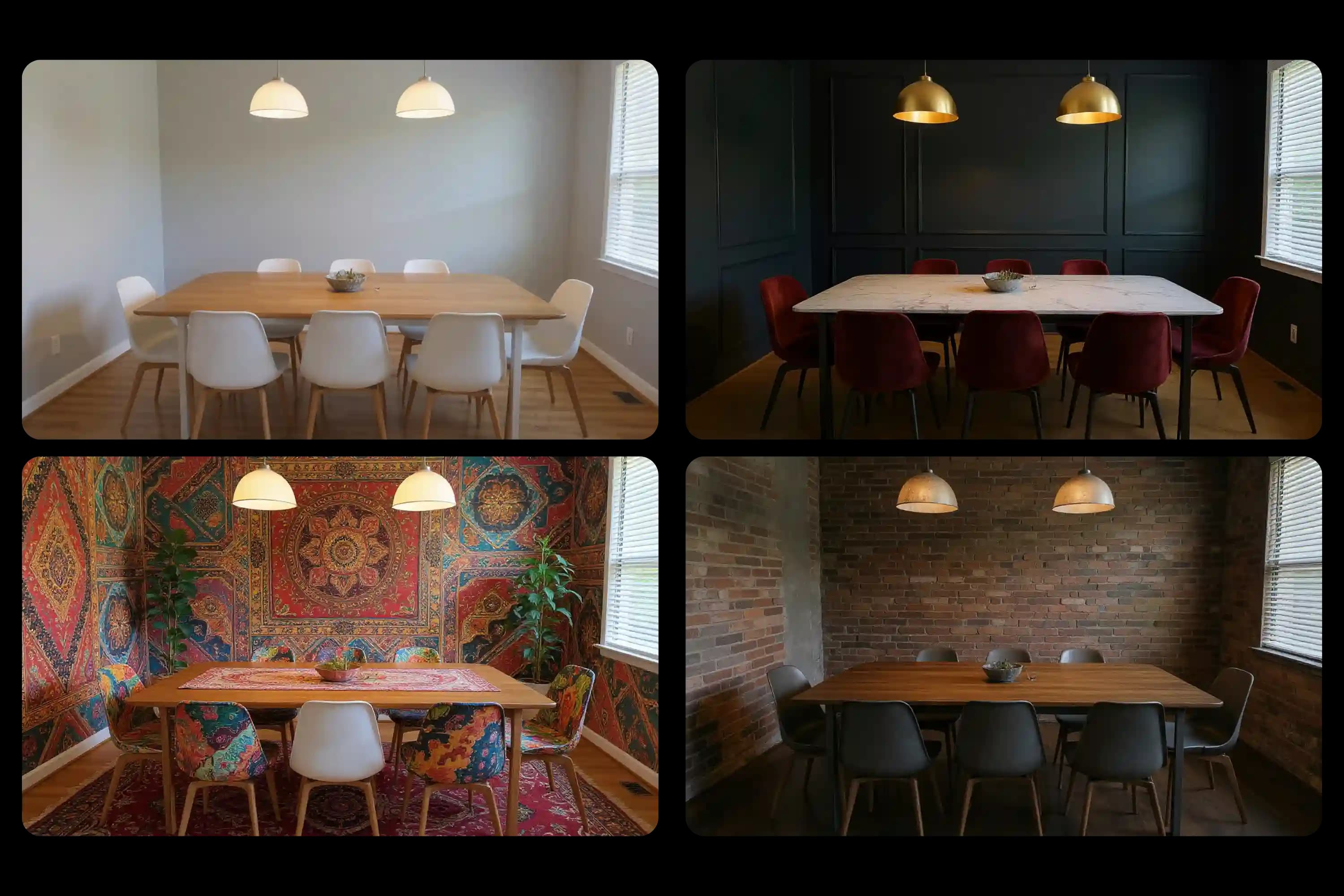
Take control of the final look with Anygen AI’s interior design ai editing tools. Change wall colors, adjust flooring, or experiment with lighting moods using natural text prompts. These adjustments ensure your virtual staging ai results match the vision you have for each room.
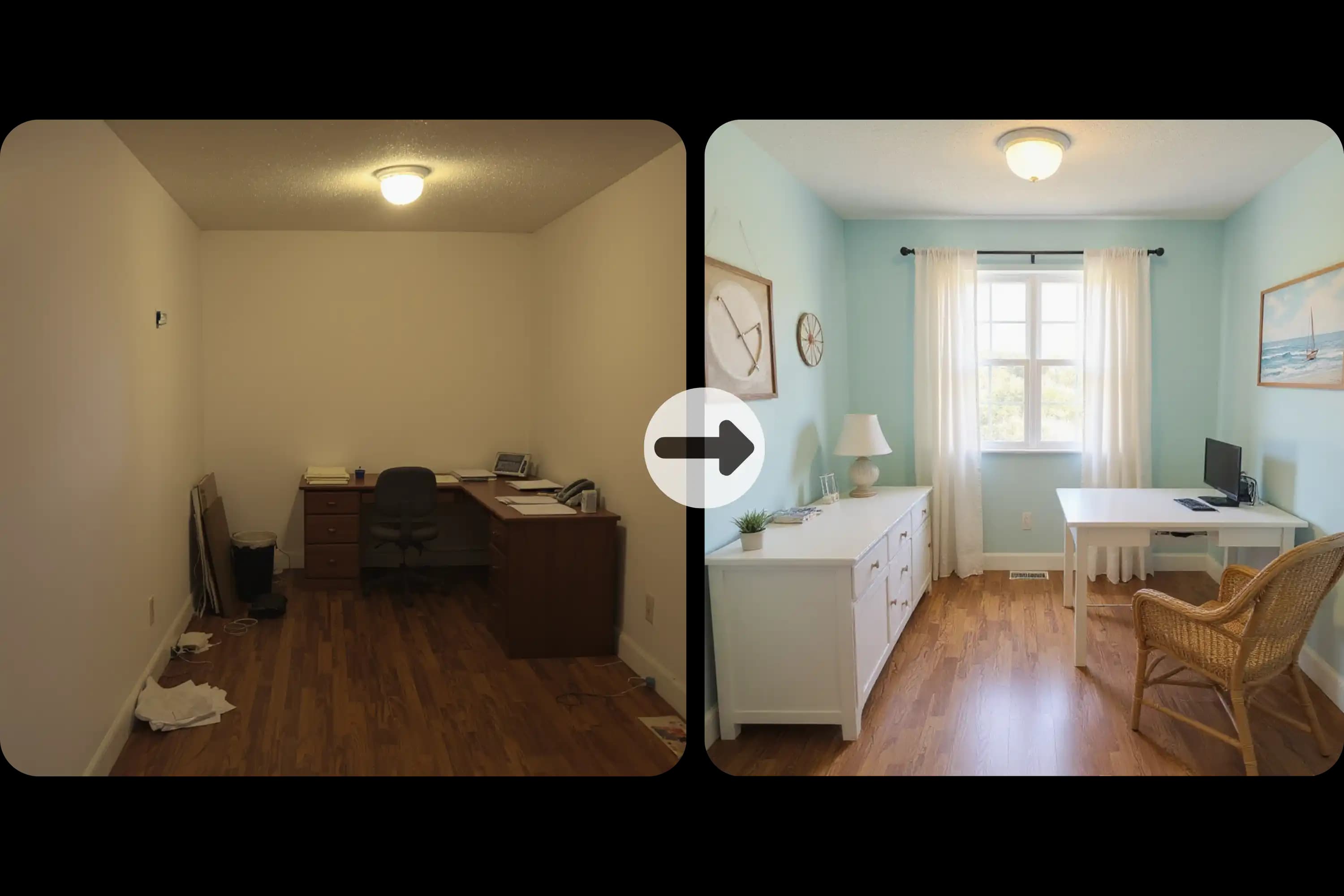
Anygen AI virtual staging ai is an online tool that transforms empty or cluttered rooms into beautifully staged interiors. It uses ai room planner and interior design ai technology to add furniture, lighting, and décor automatically, producing photorealistic results in seconds.
Yes, Anygen AI offers ai virtual staging free online. You can upload a room photo and decorate it with ai room design free features without creating an account.
Anygen AI interior design ai works by analyzing your uploaded photo and applying your chosen style or prompt. It detects room layouts, removes clutter if needed, and generates a new design with furniture, colors, and materials that look natural and realistic.
Yes. Anygen AI virtual staging ai includes a furniture removal feature. It clears outdated items or messy backgrounds, creating a clean base for new staging. This makes ai room design free from distractions and ready for a fresh look.
Anygen AI is ideal for real estate agents, interior designers, renters, and homeowners. Whether you want to stage properties for listings, explore interior design ai ideas, or experiment with layouts, the tool offers solutions for both professionals and everyday users.
Anygen AI combines ai virtual staging with ease of use. It is free, requires no login, and delivers instant results. Unlike traditional design software, it needs no advanced skills—just a photo and a prompt. This makes Anygen AI virtual staging ai accessible for everyone.
Yes. Anygen AI offers a free interior design ai tool that lets you upload a photo and instantly redesign your room. You can try ai virtual staging free without creating an account, making it simple for anyone to visualize furniture, styles, and layouts online.
Images generated with Anygen AI virtual staging ai during your paid subscription are fully licensed for commercial use, including real estate listings, marketing materials, and design projects. Please note that images created during the free trial are only for preview and personal experience sharing, and cannot be used commercially.