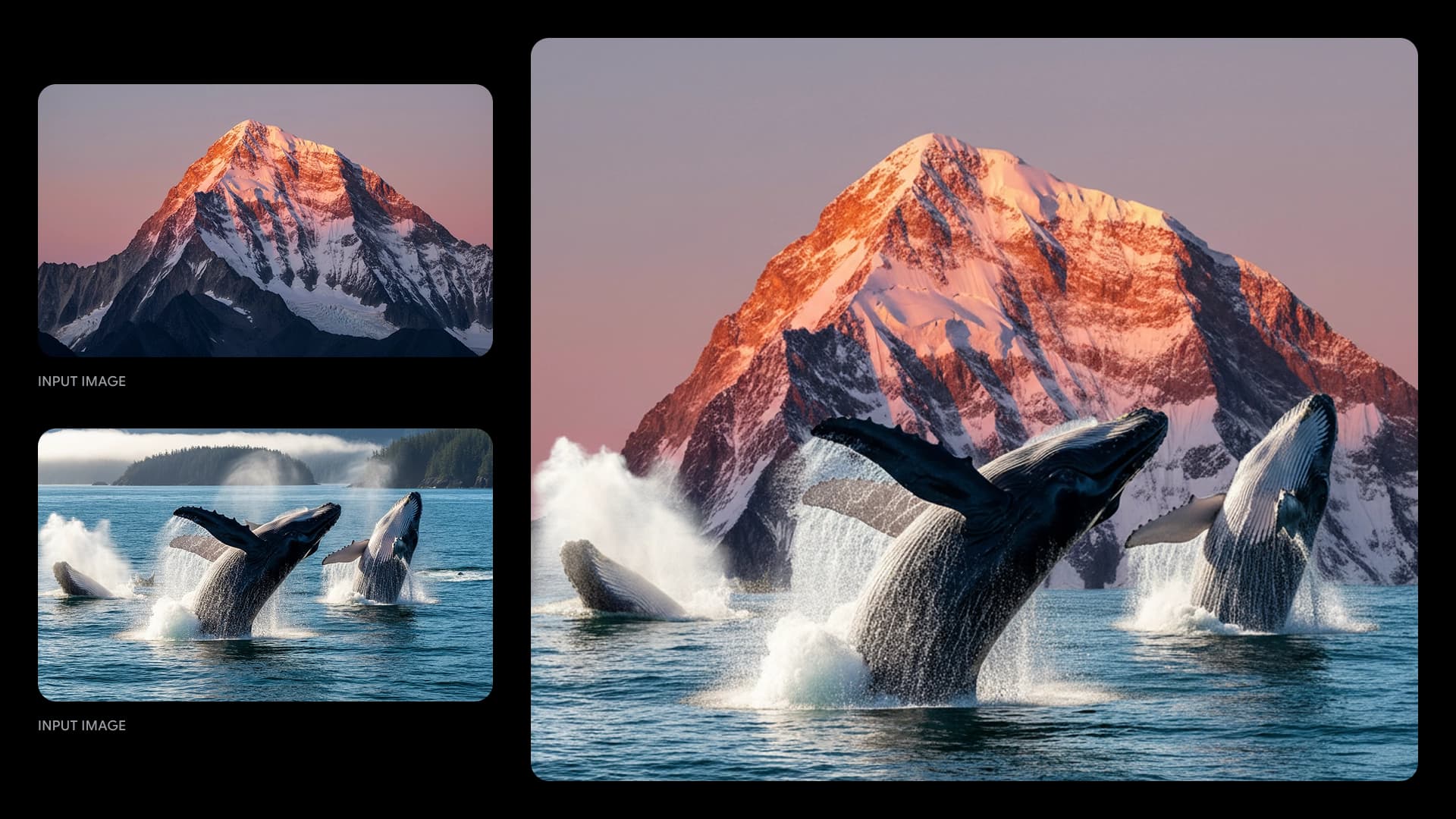
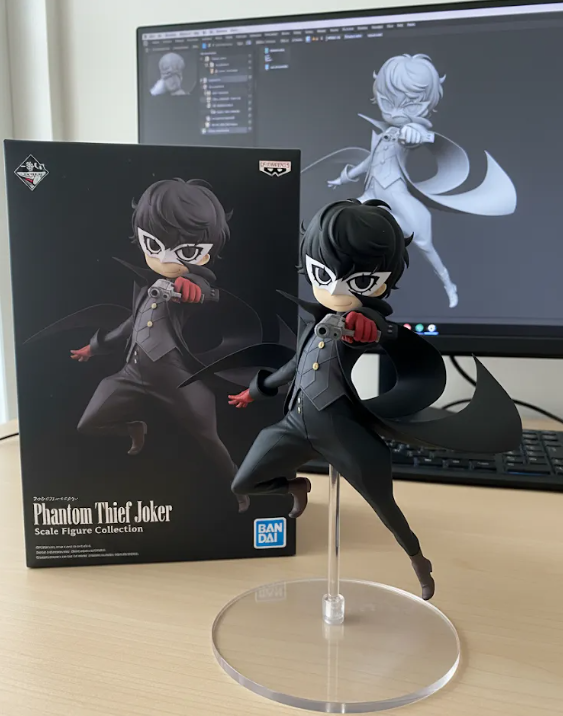
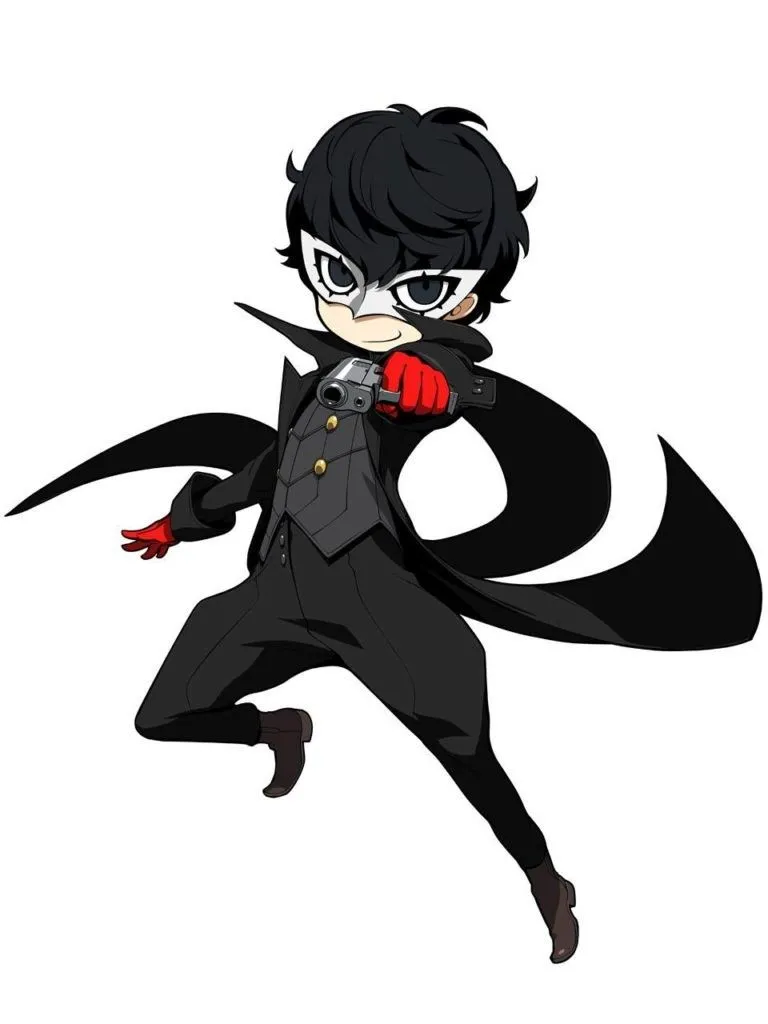
If no aspect ratio is selected, the output will match the aspect ratio of your input image
On Anygen.ai, begin by choosing the Nano Banana Pro AI image generator. The built-in Nano Banana Pro AI editor is designed for smooth editing, giving you the freedom to create Nano Banana Pro art quickly and easily.
Upload an image you’d like to modify or enter a creative text prompt. The nano-banana ai engine on Anygen.ai adapts to both, letting you refine photos or generate new visuals directly with the Nano Banana Pro AI editor.
Click generate and let the Nano Banana Pro AI editor deliver results in seconds. Review your Nano Banana Pro art and download it right away. With Nano Banana Pro AI free online access on Anygen.ai, you can experiment anytime without signup or extra setup.
Gemini 2.5 Flash Image is Google’s latest AI image generation model, officially released after being known as Nano Banana Pro in LM Arena. Starting today, you can try Gemini 2.5 Flash Image for free on Anygen.ai, with powerful features like multi-image fusion, character consistency, and text-based editing—all available directly in your browser without extra setup.