Jika tidak ada rasio aspek yang dipilih, output akan sesuai dengan rasio aspek gambar input Anda
Hasilkan foto profesional, ilustrasi artistik, dan visual kreatif dengan AI. Deskripsikan apa yang Anda inginkan atau unggah foto referensi — pilih dari 50+ gaya termasuk fotorealistis, anime, lukisan minyak, sinematik, dan lainnya. Unduh dalam HD/4K, siap dalam hitungan menit. Gratis untuk memulai, tanpa perlu keahlian desain.
Create stunning AI-generated photos in three simple steps.
Browse available styles and pick a template (e.g., portrait, artistic, scenic, creative).
Upload your reference photo, choose style, lighting, and composition preferences.
Generate your image in seconds, review, then instantly download or share.
Generate stunning portrait photos with studio-quality lighting and composition—perfect for headshots, profiles, or creative projects.
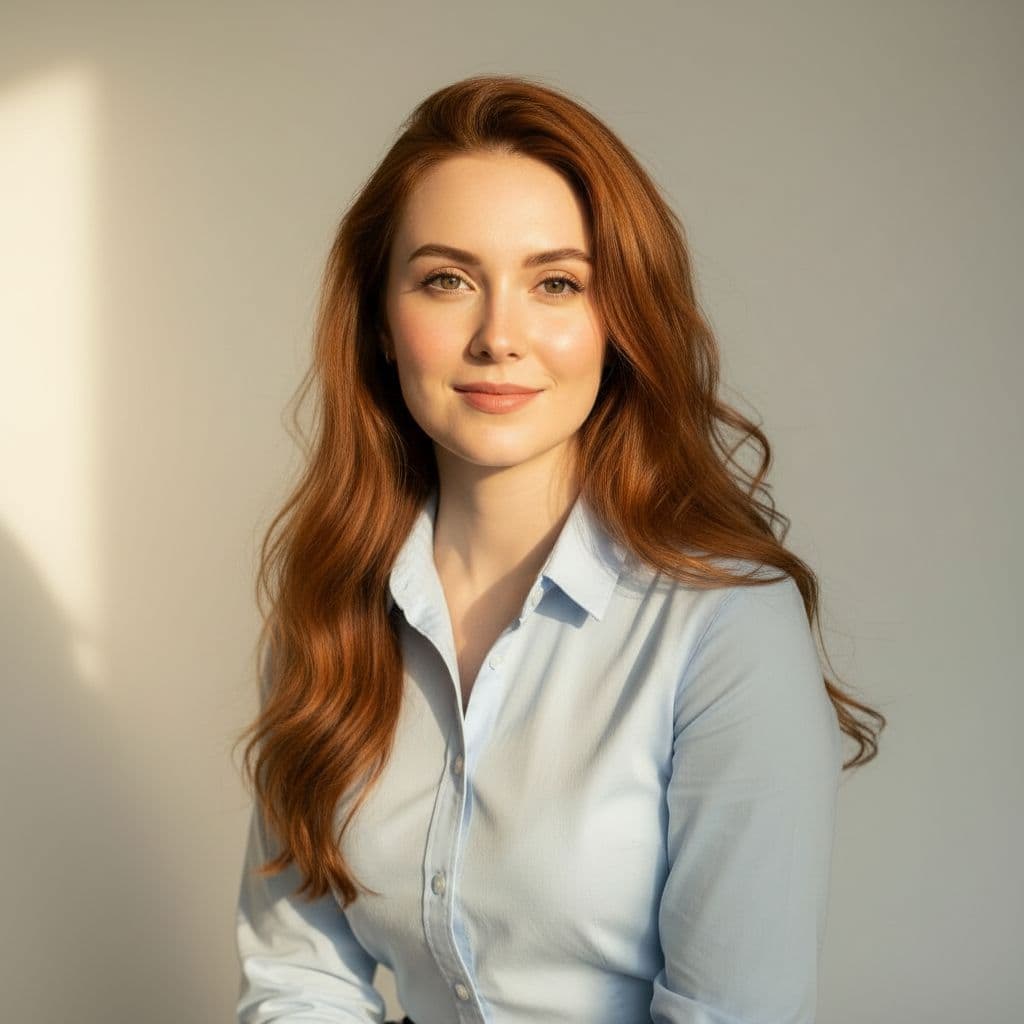
Transform your selfies into artistic masterpieces with cinematic lighting, creative filters, and unique visual effects.
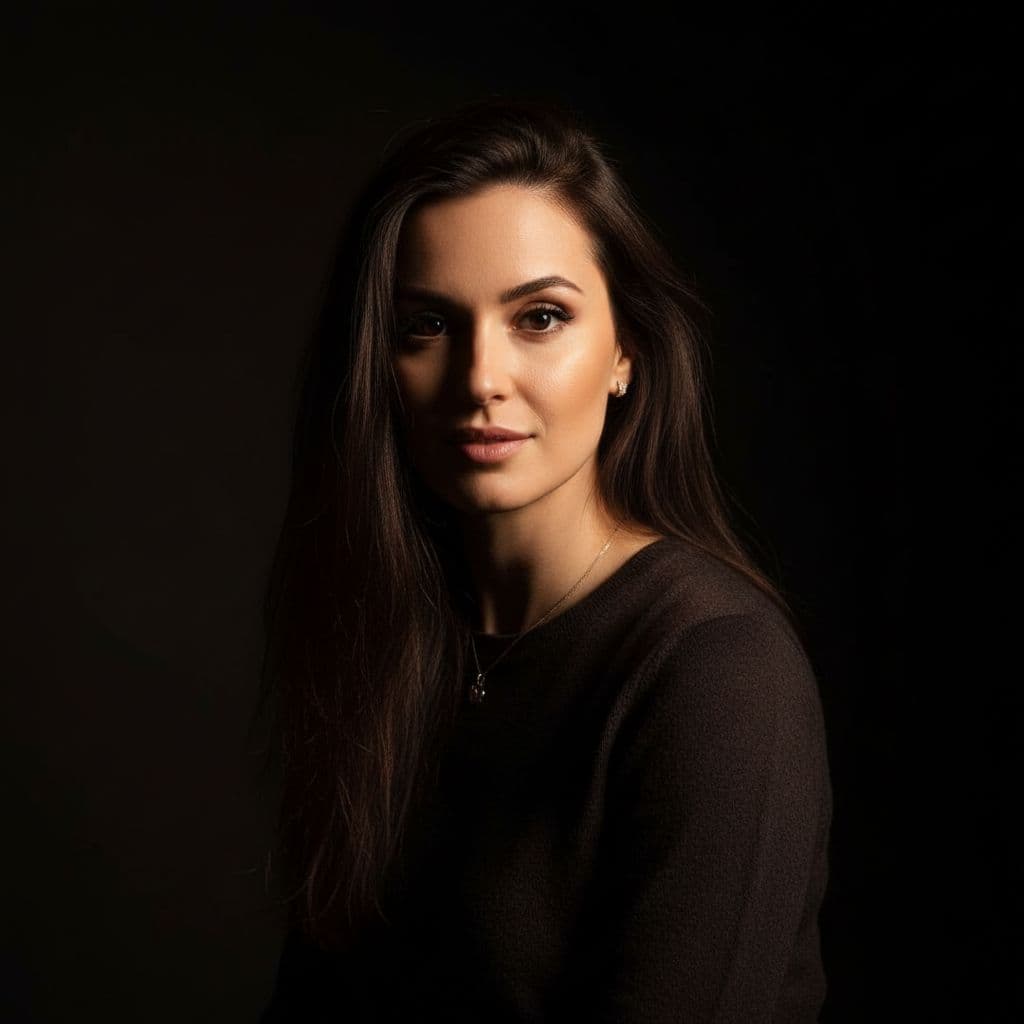
Answers about Free Style Photo generation, usage, and privacy.
Free Style Photo supports portraits, artistic transformations, scenic compositions, and creative effects across many styles.
Yes. You can describe the scene in detail. However, uploading reference photos yields better likeness and realism.
Most images generate within seconds. Complex compositions may take slightly longer.
Absolutely—adjust styles (e.g., golden hour, indoor ambient), backgrounds (scenic, studio, urban), and pose/composition options.
Yes. Uploaded photos and prompts are used only for generation and are never sold. Your creations remain private.
Personal use is fine. For commercial or promotional usage, please review our terms or contact support.