如果未選擇寬高比,輸出將匹配您輸入圖片的寬高比
使用AI生成專業照片、藝術插畫和創意視覺作品。只需描述您想要的畫面,或上傳參考照片,即可從50多種風格中選擇,包括寫實攝影、動漫、油畫、電影感等。支援HD/4K高畫質下載,幾分鐘內即可完成。免費開始使用,無需任何設計技能。
Create stunning AI-generated photos in three simple steps.
Browse available styles and pick a template (e.g., portrait, artistic, scenic, creative).
Upload your reference photo, choose style, lighting, and composition preferences.
Generate your image in seconds, review, then instantly download or share.
Generate stunning portrait photos with studio-quality lighting and composition—perfect for headshots, profiles, or creative projects.
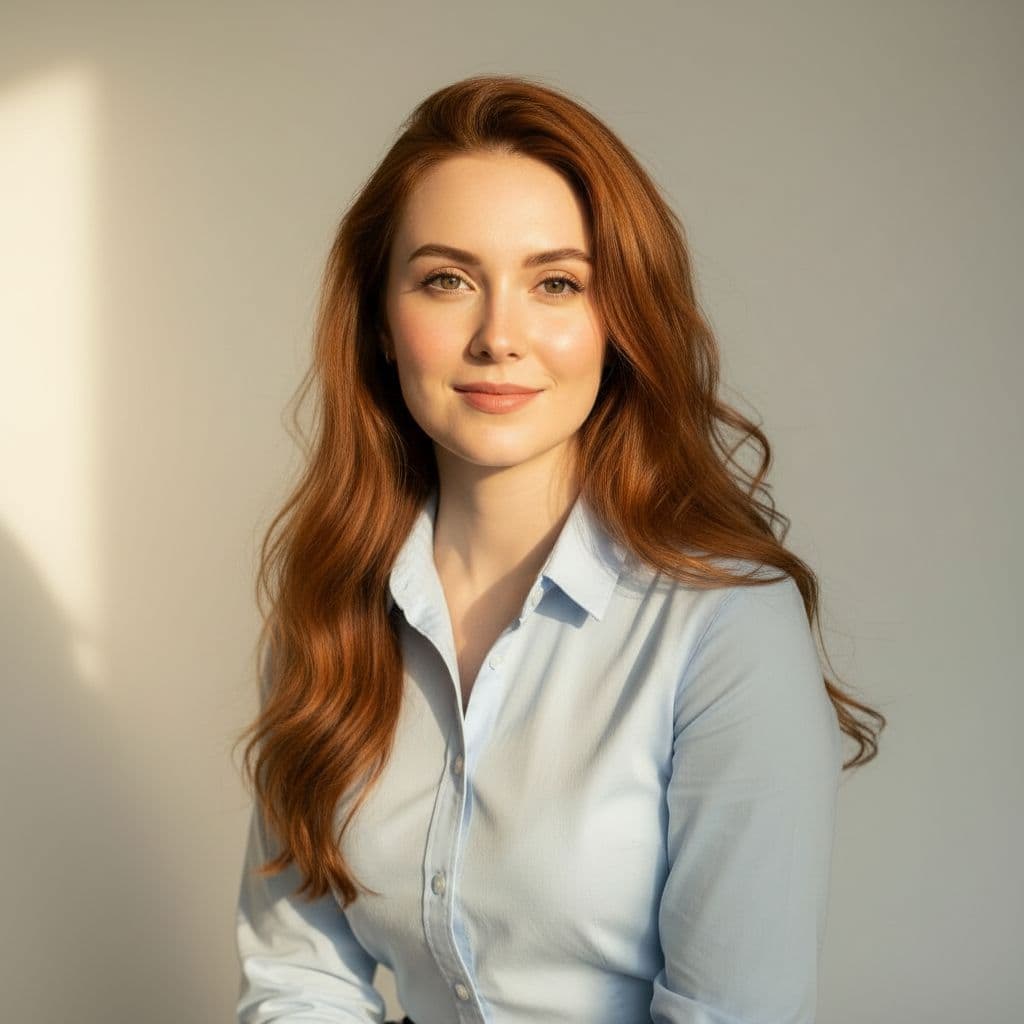
Transform your selfies into artistic masterpieces with cinematic lighting, creative filters, and unique visual effects.
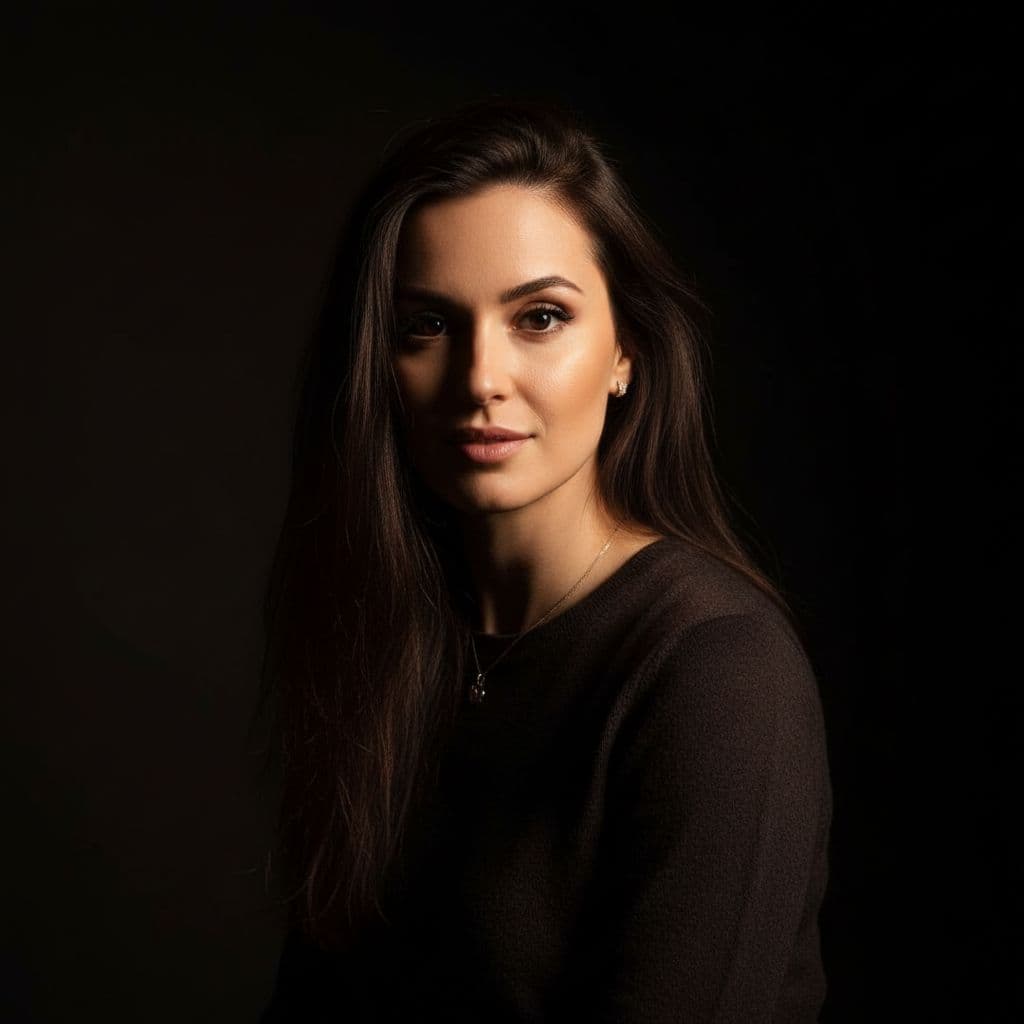
Answers about Free Style Photo generation, usage, and privacy.
Free Style Photo supports portraits, artistic transformations, scenic compositions, and creative effects across many styles.
Yes. You can describe the scene in detail. However, uploading reference photos yields better likeness and realism.
Most images generate within seconds. Complex compositions may take slightly longer.
Absolutely—adjust styles (e.g., golden hour, indoor ambient), backgrounds (scenic, studio, urban), and pose/composition options.
Yes. Uploaded photos and prompts are used only for generation and are never sold. Your creations remain private.
Personal use is fine. For commercial or promotional usage, please review our terms or contact support.